
Guardian Nest SafetyView™
See the safer version of your home.
See recommended safety improvements in your actual home before deciding what works best for your family.
Optional enhancement available with qualifying assessments.
A real example
See it before you install it.
Drag the divider. This is how a SafetyView preview works — the same room, before and after, with tasteful grab bars, anti-slip bath treatment, and improved night lighting.
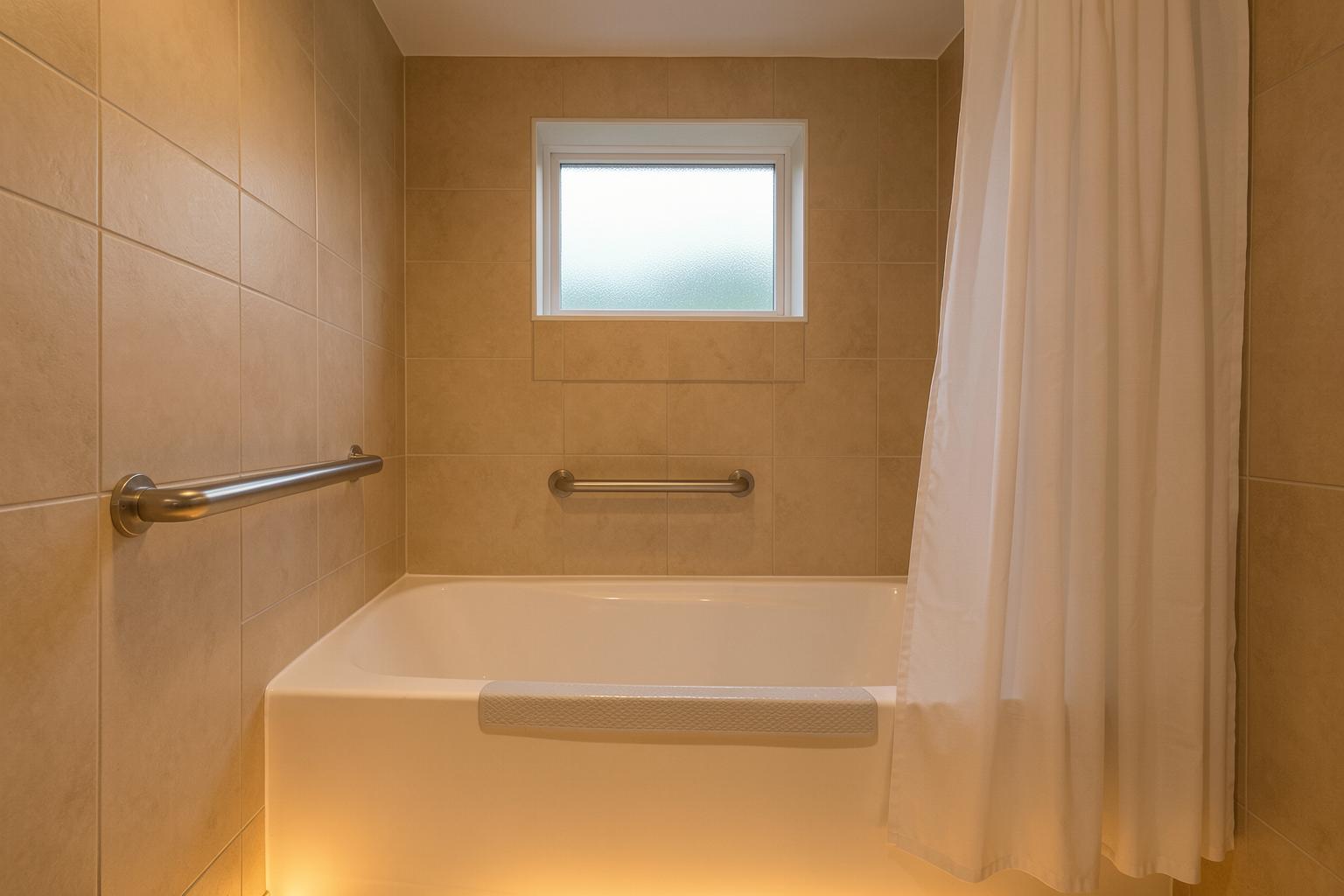
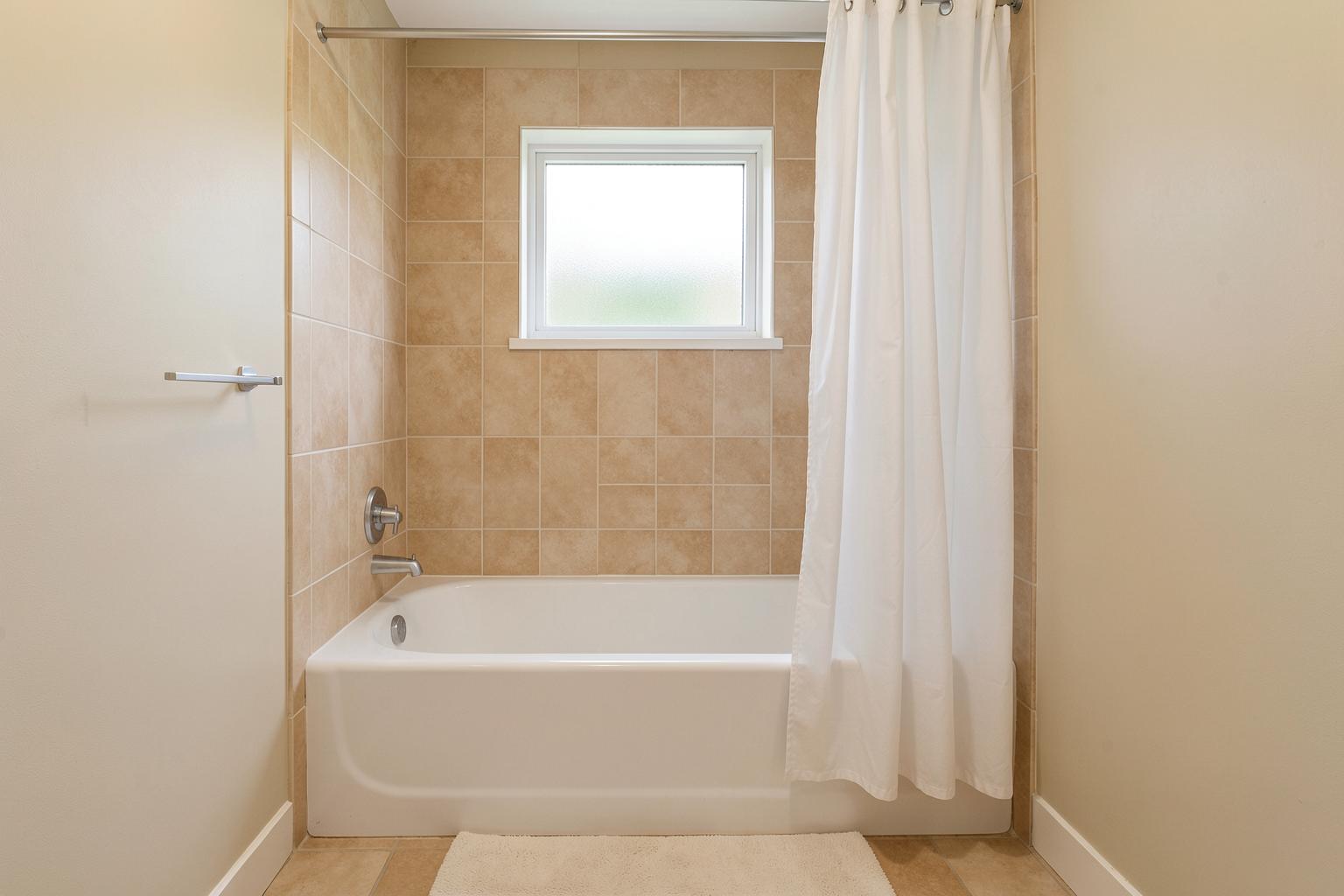 BEFORESAFETYVIEW
Example visualization for illustration — your previews are built from your own approved photos and your family’s plan.
How it works
Four gentle steps, woven into your plan.
Original Home
After a qualifying assessment, you approve a photo of the room or area a recommendation applies to — your own photo, or an assessment photo your specialist already has permission to use.
SafetyView Preview
Guardian Nest creates a realistic visualization of the recommended improvement inside that photo — a stair gate, grab bar, furniture anchor, cabinet lock, window guard, or pool barrier. A professional reviews and approves every preview before you ever see it.
Choose Solution
Where it helps, compare up to three ways to address the same finding — Essential, Enhanced, or Premium — each with its own preview and honest cost range confirmed with your plan.
Request Installation
When you choose, the improvement connects to your Family Protection Plan — order the product, request installation, and watch it move from Identified to Completed in your progress.
One family-safety system
One connected family-safety system.
The assessment starts it, the plan organizes it, the journey visualizes it, and My Guardian Nest keeps it current — every part of the Nest is one continuous path for your family.
Assess · Protect · Prepare · Educate — The Guardian Nest Framework™
Your choice
Three ways to address one finding.
Some recommendations offer a choice in how far you want to go. Here is how a bathroom fall-risk finding might compare:
Essential Solution
The straightforward fix that addresses the risk — a standard grab bar by the tub, properly installed.
Enhanced Solution
The essential fix plus an upgrade for everyday comfort and durability — a designer grab bar with anti-slip bath treatment.
Premium / Aesthetic Solution
A coordinated package that fits the room’s style while protecting it — matched finishes, night lighting, and the full detail.
Cost ranges are never invented. Each option’s estimate is confirmed with your plan, and installation difficulty is checked against your home before you decide.
Your photos, your say
Private by design.
You choose which photos may be used, you can exclude any room, and you can remove a photo or delete a preview anytime. On upload, faces, family photographs, documents, house numbers, and security details are automatically blurred where they appear — before anything is stored — and only a Guardian Nest professional ever sees what you approve.
A professional, reviewed gate. No raw generated image ever goes straight to a family. A Guardian Nest professional marks a finding eligible, selects the improvement type, works with the authorized photo and measurements, and approves the visualization before you see it. You only ever see the reviewed result.
Questions about how home images are handled? Contact privacy@guardiannest.co — image-removal requests and privacy questions go straight to the privacy team.
Honest by default
What SafetyView is and isn’t.
- It is a planning tool — a way to understand what an improvement looks like before you commit.
- It is optional, tied to specific findings inside your Family Protection Plan.
- It is not an inspection, an engineering evaluation, or an independent certification.
- Visualizations are conceptual — final measurements, mounting, codes, and installation must be verified before installation.
Guardian Nest SafetyView™ provides conceptual visualizations to help families understand proposed safety improvements. Final measurements, product compatibility, mounting requirements, structural conditions, applicable codes, and installation locations must be verified before installation.
Questions about Guardian Nest SafetyView™?
Ask away — support handles SafetyView™ technical and use questions, and answers within one business day.
The safer version of your home starts with the assessment.
SafetyView previews are available with qualifying assessments — and every comprehensive assessment results in your personalized Family Protection Plan™.